
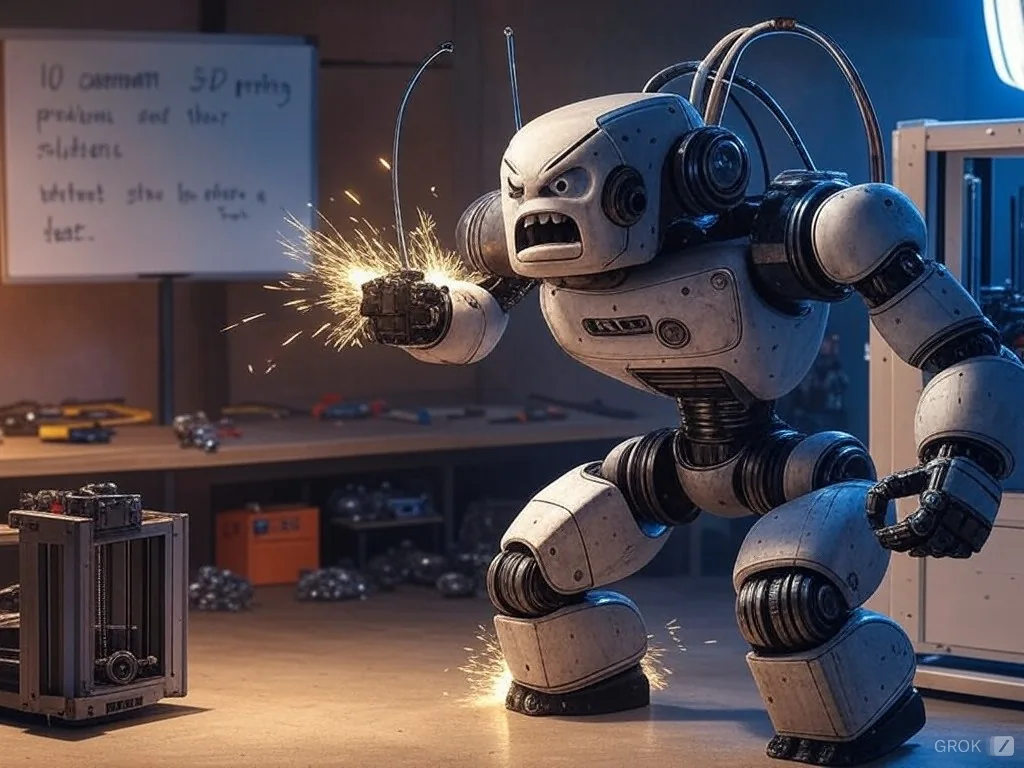
3D Printing: 10 Main Problems and How to Solve Them
3D printing is a technology that has transformed the way we create and manufacture objects. However, like any innovation, it can present challenges. In this article, we identify the 10 most common problems and explain how to overcome them.
1. Part Does Not Adhere to the Print Base
- Problem: The part comes off the base, causing printing failures.
- Solution:
- Use blue adhesive tape or specific glue for 3D printing.
- Adjust the height of the first layer to ensure a slight compression of the filament at the base.
- Make sure the base is clean and level.
2. Clogged Extrusion Nozzle
- Problem: The nozzle becomes clogged, interrupting the extrusion of material.
- Solution:
- Regularly clean the nozzle with specific needles or cleaning threads.
- Use good quality filament quality and store them in airtight containers to avoid moisture.
3. Misaligned Layers
- Problem: The layers are not aligned, compromising the finish of the part.
- Solution:
- Check the tension of the belts and the mechanical connections of the printer.
- Make sure the printer is on a surface stable and level.
4. Stringing
- Problem: Filament forms small strings between areas of the print.
- Solution:
- Adjust the retraction setting in the slicing software, increasing the distance or speed.
- Reduce the temperature of the nozzle if necessary.
5. Overheating
- Problem: Top layers melt or deform due to excessive heat.
- Solution:
- Activate the cooling fan to reduce heat in small parts.
- Adjustment the extrusion temperature according to the type of filament.
6. Warping
- Problem: The edges of the part lift, causing warping.
- Solution:
- Use a heated base to maintain an even temperature.
- Add an edge or support platform to the model, such as "denim" or "raft".
7. Lack of Detail
- Problem: Printing does not display the intended fine details.
- Solution:
- Reduce the layer height in the slicing software.
- Use a smaller diameter nozzle for more accurate prints.
8. Excessive Noise
- Problem: The printer makes too much noise, making it difficult to use at home.
- Solution:
- Lubricate moving components regularly.
- Replace noisy parts, such as motors or fans, with quieter alternatives. silent.
9. Filament Breaks or Gets Stuck
- Problem: Filament breaks or becomes tangled, interrupting printing.
- Solution:
- Store the filament in a dry place to avoid brittleness due to moisture.
- Make sure the filament is unwound and the spool is rotating freely.
10. Interrupted Printing
- Problem: Printing stops halfway through, leaving the part incomplete.
- Solution:
- Check that the printer is connected to a stable power source.
- Confirm the filament level before starting and activate filament sensors filament, if available.
Final Tips for 3D Printing Success
- Regular Maintenance: Clean and inspect your printer frequently to ensure consistent performance.
- Adjusting Settings: Test different settings before printing parts
- Updates: Keep your printer's software and firmware up to date to benefit from constant improvements.
With these solutions, you can overcome the main problems of 3D printing and guarantee high-quality results, exploiting the full potential of this incredible technology.