
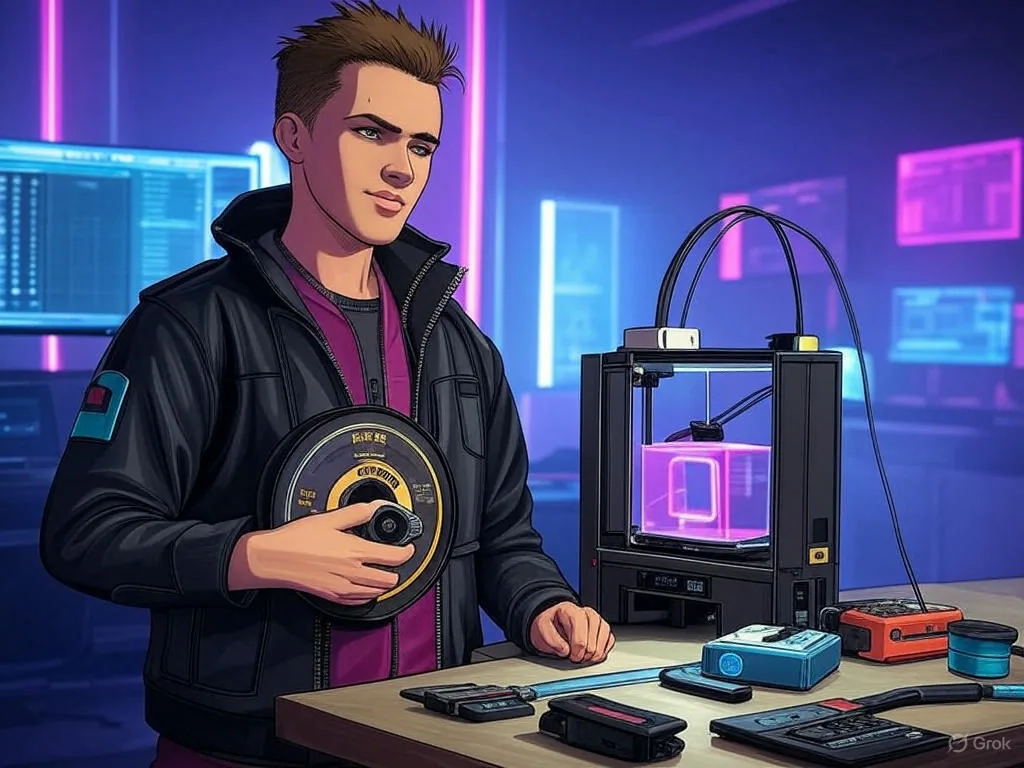
Welcome to the fascinating world of 3D printing!
Whether you are a beginner or a recent user, this guide will help you take your first steps with filaments from Tucab, a Portuguese company known for the quality of its materials. Let's explore how to set up your printer, choose the right filament, and print amazing objects, from decorative parts to functional components.
Understanding Filaments
Filaments are like the "ink cartridge" of your 3D printer, made from thermoplastic materials that melt and solidify to create objects layer by layer. Tucab offers four main types, each with unique properties:
- PLA: Easy to use, biodegradable, perfect for beginners. Ideal for decorative figures or prototypes, but does not withstand high temperatures.
- ABS: Strong and durable, great for mechanical parts, but requires a heated base to prevent warping.
- PETG: A balance between strength and flexibility, great for pieces that need to last, like stands.
- EVA: Flexible and elastic, ideal for objects like cell phone cases, although less common.
Setting Up Your Printer
Before you start, follow these simple steps:
- Unpack and assemble: If the printer does not come assembled, follow the manufacturer's manual.
- Power on and set up: Connect to electricity and install software such as Cura (Beginner's Guide to 3D Printing).
- Load the filament: Insert the filament into the extruder, adjusting the temperature (e.g. PLA: 180-220°C).
- Calibrate the base: Make sure it is level for good adhesion.
- Test with a cube: Print a simple object to check that everything works.
Tucab filaments are consistent in diameter (~1.75 mm, ±0.05 mm).
Printing Successfully
For each filament, use these settings:
| Filament | Extruder (°C) | Base (°C) | Layer (mm) | Speed (mm/s) |
|---|---|---|---|---|
| PLA | 180-220 | 60-80 | 0.1-0.3 | 30-60 |
| ABS | 220-260 | 100-120 | 0.1-0.3 | 30-60 |
| PETG | 220-240 | 80-100 | 0.1-0.3 | 30-60 |
| EVA | 180-220 | 50-70 | 0.1-0.3 | 20-40 |
Tip: Try printing a keychain in PLA to start, or a phone case in EVA for something flexible. Make sure the base is clean and use glue stick for better adhesion.
Understanding Filaments
- PLA: Made from renewable resources such as corn starch, biodegradable, easy to print, with extruder printing temperatures 180-220°C and base 60-80°C. Ideal for decorative items, prototypes and educational models, but not suitable for high temperature or outdoor applications. Example: Print a decorative figure, such as a Christmas ornament.
- ABS: Strong and durable, requires a heated base (100-120°C) and possibly a closed chamber to avoid warping, with an extruder at 220-260°C. Suitable for functional parts such as clips or tools. Example: Create a support for tools.
- PETG: Variant of PET, more flexible than ABS, with a balance between strength and flexibility, less prone to deformation, with extruder at 220-240°C and base at 80-100°C. Ideal for parts that require durability, such as supports. Example: Print a base for a cell phone.
- EVA: Known for its flexibility and elasticity, with an extruder at 180-220°C and base at 50-70°C, used for flexible parts such as cell phone covers or gaskets. Example: Create a personalized case for your cell phone.
- Filament Does Not Feed:
- Check that the filament is correctly loaded.
- Ensure that the extruder is not clogged.
- Confirm that the temperature is within of the correct range. Example: If the PLA does not feed, check that the extruder is at 190°C. An image of a clogged extruder and another of a clean one are suggested, with captions.
- Poor Adhesion Between Layers:
- Check and adjust the temperatures of the extruder and base.
- Ensure that the printer is properly calibrated. Example: If the ABS layers separate, increase the base temperature to 110°C. An image of a print with separate layers and another with joined layers is suggested.
- Warping:
- Use a heated base and/or closed chamber for ABS prints.
- Apply denim or raft to improve adhesion. Example: An ABS support that rises at the edges can be solved with a base at 110°C. An image of warping and a successful print are suggested.
- Stringing or Stringing:
- Adjust the retraction settings in the slicing software.
- Ensure that the extruder temperature is not is too high. Example: If the PLA has threads, reduce the temperature to 190°C and adjust the shrinkage. An image of stringing and another of a clean print are suggested.
- Print Does Not Stick to Base:
- Clean the base completely.
- Use the correct adhesive or surface for the type of filament.
- Check and adjust the base temperature. Example: If the PETG does not adhere, clean the base and use a glue stick. An image of a dirty base and a clean base is suggested.
This section provides tips for keeping your filaments and printer in good condition, with suggested illustrations:
- Storing Filaments:
- Keep filaments in a cool, dry place, away from moisture.
- Use desiccant or sealed container, especially for hygroscopic materials such as ABS and PETG. An image of a filament stored in a container with desiccant is suggested.
- Maintain the Printer:
- Regularly clean the base and extruder.
- Replace the nozzle when it shows signs of wear.
- Keep the printer firmware up to date. An image is suggested of a base being cleaned and another of a new and used nozzle.