
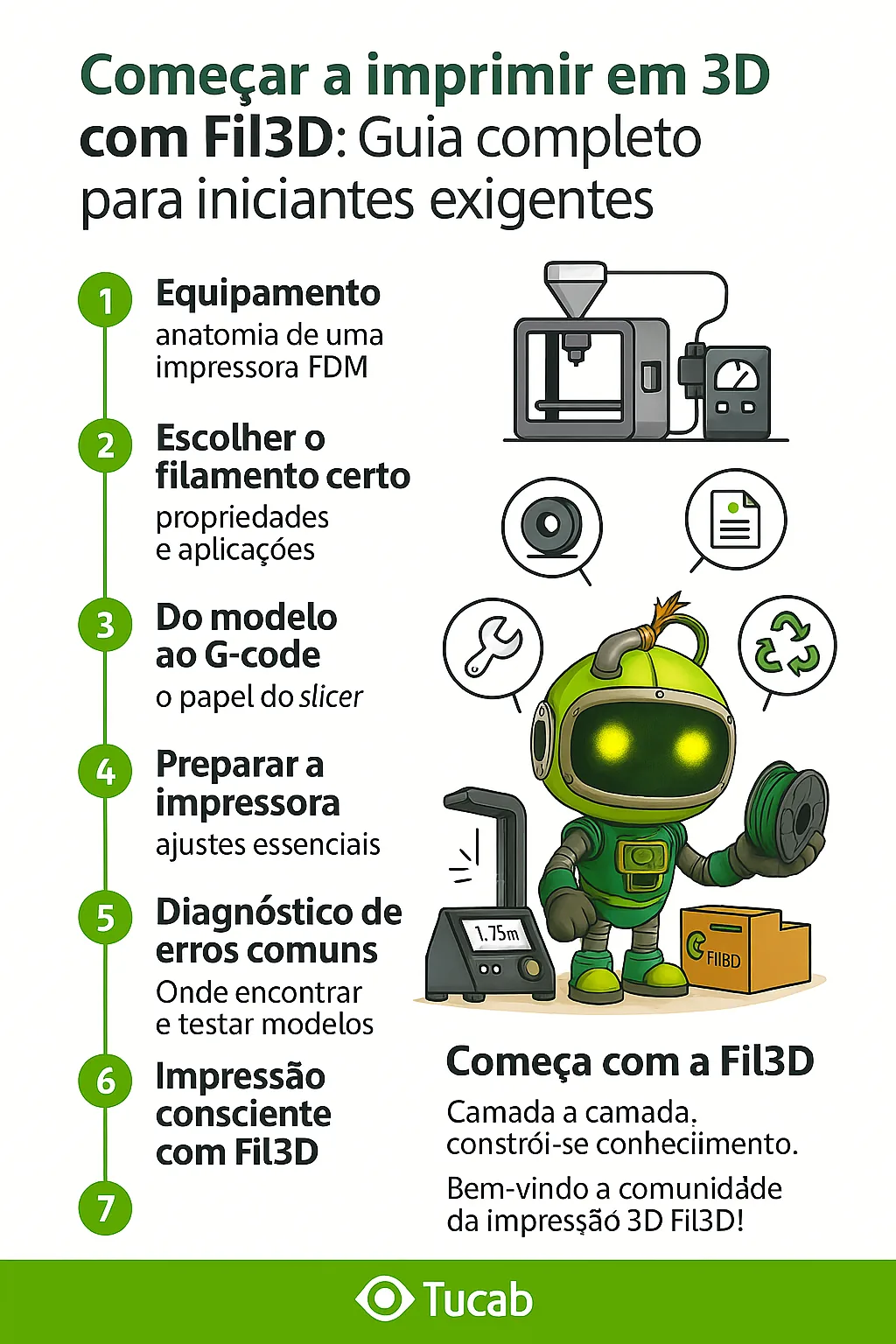
Technical article – Start 3D printing with Fil3D: Complete guide for demanding beginners
Introduction:
1. Equipment: anatomy of an FDM printer
A typical FDM printer is composed of:
- Extruder (direct or bowden): pushes the filament to the heating nozzle.
- Hotend: melts the filament at temperatures of
- Fans and sensors: cool and control temperature and flow.
Example: the Bambu Lab A1 Combo printer uses direct extrusion, self-calibration, clogging sensors and automatic winder. It's an excellent choice for beginners who want something reliable.
2.
Example: parts such as desk stands, educational cards, cable organizers
PETG – Fil3D:
- Good mechanical and chemical resistance
- Slightly flexible, resistant to UV and water
- Ideal for boxes, exterior components, technical parts
Example: boxes for electronics, tube supports in caravans, fan grilles
ABS – Fil3D (requires more experience):
- High impact resistance
- Requires closed chamber (smoke emissions), difficult to grip
Example: automobile parts, mechanical joints, industrial prototypes
Fil2ndLife – Recycled filament:
- Sustainable product, great for training, non-functional prototypes
Example: printing 3D school models, sculptures, test bases
3. Parameter Suggested initial value Technical explanation
Layer height
0.2 mm
Compromise between detail and speed
Nozzle temperature
200°C (PLA) / 230°C (PETG)
Depends on material and speed
Base temperature
60°C (PLA) / 80°C (PETG)
Helps adhesion of the first layer
Infill
15–20%
Percentage of part fill
Speed
40–60 mm/s
Beginners should use low speeds
Retraction
1–2 mm to
4. clean shafts, tight screws, PTFE tube in good condition.
Practical tip: print a “test tower” to check the best temperature for your nozzle and your filament.
5. Diagnosis of common errors
| Symptom | Probable diagnosis | Recommended solution |
| First layer does not stick | Cold or poorly leveled base | Increase temp. of the bed / level again |
| Loose threads (stringing) | Ill-adjusted retraction | Activate retraction and dry the filament |
| Rough surface | Temp. too high or thick layer | Reduce temperature / layer height |
| Loose layers | Underextrusion | Calibrate eSteps / check gear |
| Faults intermittent | Wet or clogged filament | Dry / clean nozzle |
6.
Trainable example: an articulated smartphone holder, with hinges, tight tolerances and friction fits.
7. Conscious printing with Fil3D
At Fil3D, quality and sustainability go hand in hand:
- National production with total quality control
- Dimensional tolerance verified by laser (±0.03 mm)
- Vacuum sealed packaging with silica
- Fil2ndLife line with post-industrial plastics
- Technical support by Tucab professionals
Conclusion: Starting well to print better
Mastering 3D printing requires patience, practice and, above all, knowledge.
But by using Fil3D filaments, you are ensuring quality, stability and reliability — even in your first layers.
Over time, you will create useful, technical and incredible pieces. It all starts with the right foundation.
Layer by layer, knowledge is built.
Welcome to the Fil3D 3D printing community!